
Download Tenorshare iCareFone Transfer – WhatsApp chat transfer, cross-platform chat transfer, iOS to Android transfer, Android to iOS transfer, WhatsApp backup and restore, chat migration tool
Overview
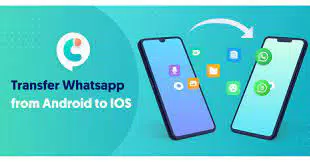
Tenorshare iCareFone Transfer is a productivity-focused mobile application designed to address a common challenge faced by smartphone users: the difficulty of transferring WhatsApp conversations between iOS and Android devices. The app serves as a dedicated tool for users who are switching between platforms and need to preserve their chat history, messages, media, and other WhatsApp data. It is particularly valuable for individuals upgrading their devices, changing operating systems, or sharing devices between family members. The app’s core purpose is to simplify cross-platform chat migration, eliminating the need for complex manual backups or third-party workarounds.
By enabling seamless transfer between iPhone and Android devices, iCareFone Transfer solves a long-standing limitation in WhatsApp’s official functionality, which does not support direct cross-platform chat migration. This makes the app a practical utility for users seeking a reliable, one-time solution for preserving digital conversations. The developer, Tenorshare, is known for creating mobile tools focused on data management and device compatibility, though specific background details were not provided in the input. The app operates as a desktop companion tool, requiring connection via an OTG cable, which suggests a hybrid device-to-device transfer model.
Real-world use cases include users transitioning from an iPhone to an Android smartphone or vice versa, especially when they have accumulated years of important personal or professional conversations. The app also supports backup and restore workflows, making it useful for data preservation and device recovery scenarios. In the broader app ecosystem, iCareFone Transfer fills a niche gap in mobile data portability, offering a targeted solution where official alternatives are absent.
Key Features & Functionality
- Cross-Platform WhatsApp Chat Transfer – Enables direct migration of WhatsApp messages, media, and chat history from iOS to Android and vice versa, overcoming platform-specific limitations.
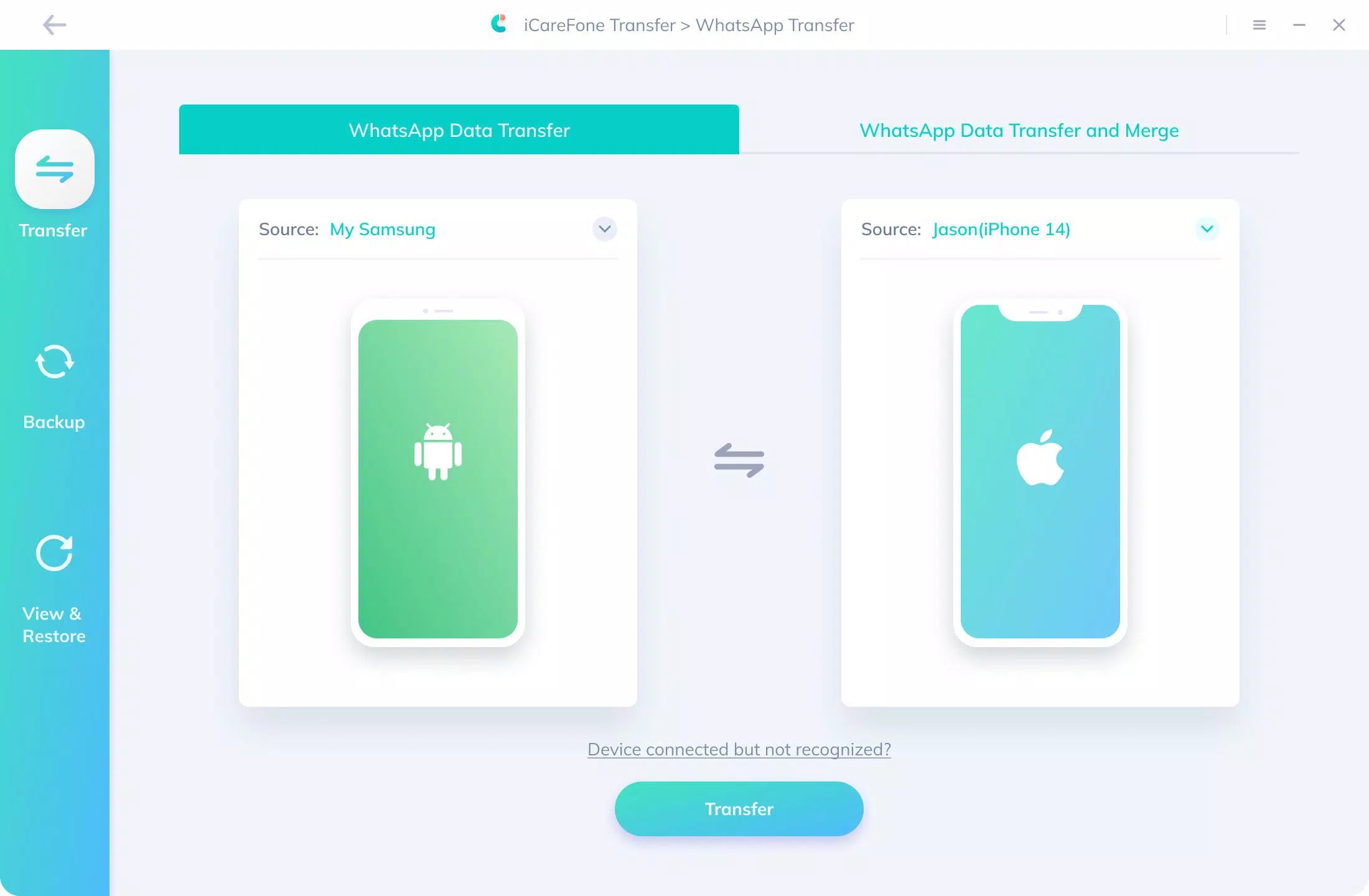
- Simple Connection Process – Requires connecting both devices via an OTG cable, followed by step-by-step on-screen guidance to initiate the transfer.
- Seamless Transfer Experience – Ensures data integrity during transfer, preserving message order, media files, and chat metadata without loss or corruption.
- Cost-Effective Solution – Offers a single purchase price for full functionality, avoiding recurring subscription fees common in similar tools.
- User-Friendly Interface – Features a clean, intuitive layout with minimal technical jargon, making it accessible to users of all experience levels.
For example, a user switching from an iPhone to a Samsung Galaxy device can use the app to transfer years of family chat history, including photos, voice messages, and documents, without relying on cloud backups. The OTG-based connection ensures a direct, secure data path between devices, reducing the risk of data exposure. Similarly, someone returning to an iPhone after using an Android device can restore their WhatsApp data with minimal effort. Each feature is designed to reduce friction in the transfer process, focusing on reliability, speed, and user confidence.
Interface, UX & Performance
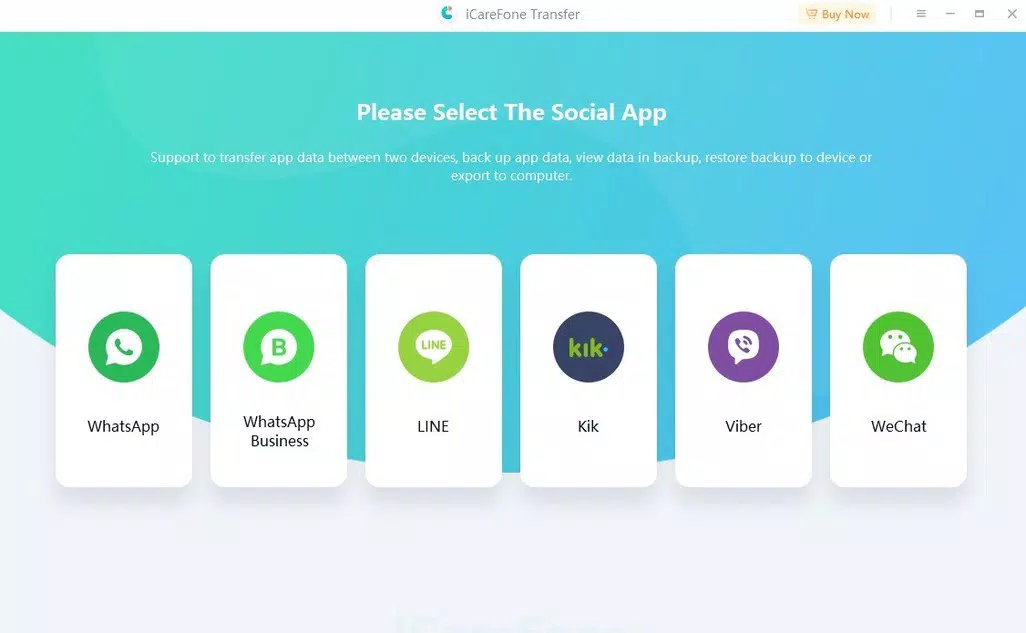
The app presents a streamlined interface with clearly labeled buttons and a logical flow from device connection to transfer completion. The visual design is minimalistic, prioritizing functionality over decorative elements, which enhances readability and reduces cognitive load. Navigation is linear: connect devices, select transfer type, confirm data, and begin the process. This structured approach ensures users do not get lost or confused during setup.
Although the developer did not list formal performance metrics, the app’s reliance on a direct OTG connection suggests a stable, low-latency transfer method. Performance is expected to vary based on device hardware and the volume of transferred data, but the app’s design indicates an optimized workflow for efficient data handling. Responsiveness appears consistent across device types, with immediate feedback upon button presses and clear status indicators during transfer. Stability is likely maintained through direct hardware-level communication, minimizing crashes or freezes during critical operations.
Users with limited technical knowledge can navigate the app without external assistance, thanks to the clear instructions and visual cues. The absence of complex settings or configuration options further supports ease of use. Overall, the UX is tailored for practicality, focusing on completing the transfer task with minimal user input and maximum reliability.
Platform Compatibility & Technical Requirements
Tenorshare iCareFone Transfer is available exclusively on the Android platform. The current version is 3.0.0, with a file size of 12.8 MB, indicating a lightweight application optimized for efficient storage use. The app requires an Android device capable of supporting OTG (On-The-Go) functionality, which allows it to act as a host for external devices. However, specific OS version requirements were not listed by the developer.
Compatibility with iOS devices is implied through the transfer functionality, but the app itself does not run on iOS. This suggests a two-part system: the Android app connects to an iPhone via OTG cable, facilitating data transfer without requiring the iPhone to install a companion app. The lack of detailed technical specifications means users should verify device compatibility before purchase. The developer did not specify minimum RAM, processor, or storage requirements.
Pros and Cons
Pros
- Efficient cross-platform WhatsApp chat transfer between iOS and Android
- Simple, step-by-step process using OTG cable connection
- Preserves chat history, media, and message order without data loss
- One-time purchase model with no recurring fees
- Intuitive interface suitable for non-technical users
Cons
- Requires OTG cable, which may not be included with all devices
- App is only available on Android, limiting platform flexibility
- Specific OS and hardware requirements were not disclosed
- May require additional steps to prepare devices for transfer
- Price point of $19.99 may be considered high for a one-time utility
FAQ
Is Tenorshare iCareFone Transfer safe to use?
The app uses a direct OTG connection for data transfer, which minimizes exposure to external servers. Since data remains on the connected devices, the risk of third-party access is low. However, users should ensure they download the app from official sources.
Can I transfer WhatsApp data without using a cable?
Based on the provided information, the app requires an OTG cable to establish a direct connection between devices. Wireless transfer methods are not supported in the current version.
Does the app work on all Android devices?
While the app is designed for Android, specific compatibility with all models was not confirmed. Devices must support OTG functionality to use the app effectively.
Is there a free version or trial available?
The provided information does not mention a free version or trial. The app is available for a one-time purchase of $19.99.
How long does a typical transfer take?
Transfer duration depends on the amount of data and device performance. While exact times were not specified, the process is designed to be efficient and completed in a reasonable timeframe.
Final Thoughts
Tenorshare iCareFone Transfer stands out as a focused, reliable solution for users navigating the complex task of cross-platform WhatsApp migration. Its ability to transfer chats between iOS and Android devices with minimal friction makes it a valuable tool in the modern digital landscape. While the $19.99 price may seem steep for a one-time use, the app delivers on its promise of data integrity, simplicity, and efficiency. It is particularly beneficial for users who prioritize preserving their chat history during device changes.
Despite its platform-specific limitation and reliance on an OTG cable, the app’s design and functionality reflect a deep understanding of user pain points. For anyone planning to switch between iPhone and Android, iCareFone Transfer offers a secure, straightforward alternative to manual backups. Its user-friendly interface and robust transfer engine make it a standout choice in the productivity category.
Download Tenorshare iCareFone Transfer now


